Tech Support
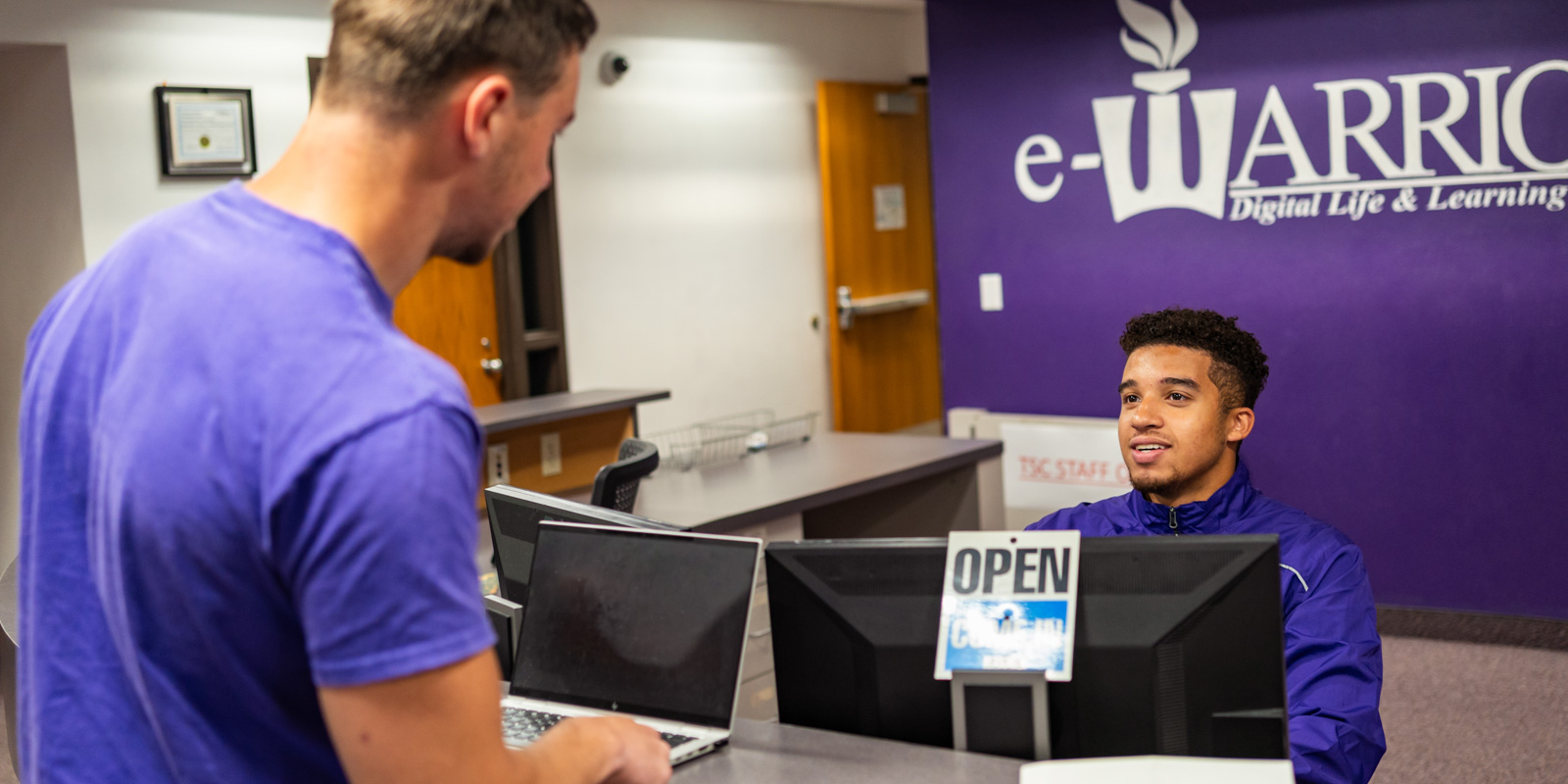
WSU Tech Support serves all students, faculty, and staff whether you’re on the Winona campus, Rochester campus, or working remote.
We’re ready to help you access technology resources and troubleshoot any problems.
The Technical Support Center (TSC) assists, educates and serves students, faculty and staff with hardware and software.
Tech Support will help students who aren’t enrolled in the eWarrior program access email, connect to wi-fi, learn to use campus-supported software, and print from their personally owned devices.
Stop by our Winona or Rochester locations for in-person technical support.
Our wait time is typically 5 minutes or less, and most issues are resolved within 45 minutes.
However, there may be longer wait times the first 2 weeks of the semester.
Call 507.457.5240 to speak with a phone technician.
Your call is typically answered or escalated within 10 minutes during business hours.
After hours calls will be returned the following business day.
Send your questions to techsupport@winona.edu and expect a response within 1 business day.
Emails received after hours will be replied to the following business day.
The WSU Technology Knowledge Base is a great resource with information customized specifically for WSU students, faculty, and staff.
LinkedIn Learning gives WSU students access to more than 2,000 online courses taught by industry experts covering a wide variety of software tools and skills, as well as topics related to leadership, business, photography, and other areas.
LinkedIn courses are available 24:7 from your laptop, tablet, or smartphone.
The Digital Learning Commons (DLC) STARS can help you accomplish what you need to get done on your mobile devices.
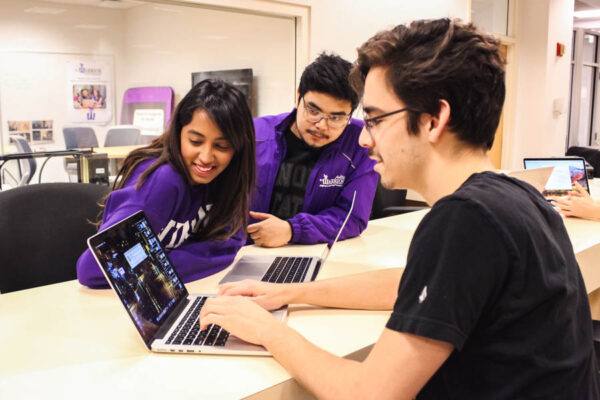
The DLC team of student technology and resource specialists also provides basic technical support, color printing services, and Cricut Maker services.
Stop by Krueger Library 105 or chat with our team in the DLC Zoom Room.
You can schedule an appointment by calling 507.457.5240 (Option 2) or emailing dlc@winona.edu.
You could be one of 20 students to win a $1,000 scholarship through a creative video, laptop skin design, logo design, and more.
The Aspen Capital eScholarship Competition is a scholarship to award WSU students for their creativity and skills with digital technology.
Rental fees are:
- 4-hour rate: $5
- Daily rate: $10
- Weekend rate: $20
- Weekly rate: $40
- Special setup fee: $45/hour
For students, the fee will be added your student account. Faculty and staff need to sign a chargeback form authorizing the rental fee to be charged to their department.
All rates are based on the client picking up and returning the laptop to the Technical Support Center during business hours. If it is returned late, fees will continue to be assessed until the laptop is returned.
Requests for adding special software, delivery and set up of laptops, and assistance outside of the Tech Support Center will be charged at a rate of $45/hour and may require advance planning. If the rental laptop is returned damaged, fees will be assessed as noted in the eWarrior agreement.
Support for Personal Devices
If you are an enrolled student but not part of the eWarrior Digital Life and Learning Program, the Technical Support Center provides limited assistance for your personal devices:
- Connecting to the campus wired and wireless network
- Connecting to campus projectors and other peripheral devices (e.g., in classrooms, meeting rooms, the Library)
- Learning how to use campus-supported software applications
Students and employees can set up and configure their personal smartphones and other handheld devices for email and to connect to the WSU network.
The Tech Support Center will help if time is available. With hundreds of different smartphones and handheld devices sold from numerous vendors, we do not guarantee that our staff will be able to successfully configure your device. The Tech Support Center cannot be held responsible for damages or loss of data.
Join the DLC Zoom Room.
Just in Time Support: Library 105
- Monday-Thursday: 7:30am–10pm
- Friday: 7:30am–5pm
- Saturday: 10am-5pm
- Sunday: 1–10pm
During breaks and holidays, the DLC is open during the same hours as Krueger Library.